AI Trading Platforms Explained: Part 1

September 21, 2026
Your AI Can Trade Now. Here’s What That Actually Means
Educational noteThis article is for general educational and informational purposes only. It is not trading, investment, financial, legal, or tax advice. AI-generated analysis and automated actions can be incorrect. Research any platform, broker, AI service, permissions, and local rules before deciding whether to use them.
AI has moved from “answer my trading question” to “use my trading platform for me.”
For years, traders used chatbots to explain indicators, summarize news, help write code, or answer questions about markets. The chatbot lived on one side of the screen. The trading platform lived on the other. Now they connect.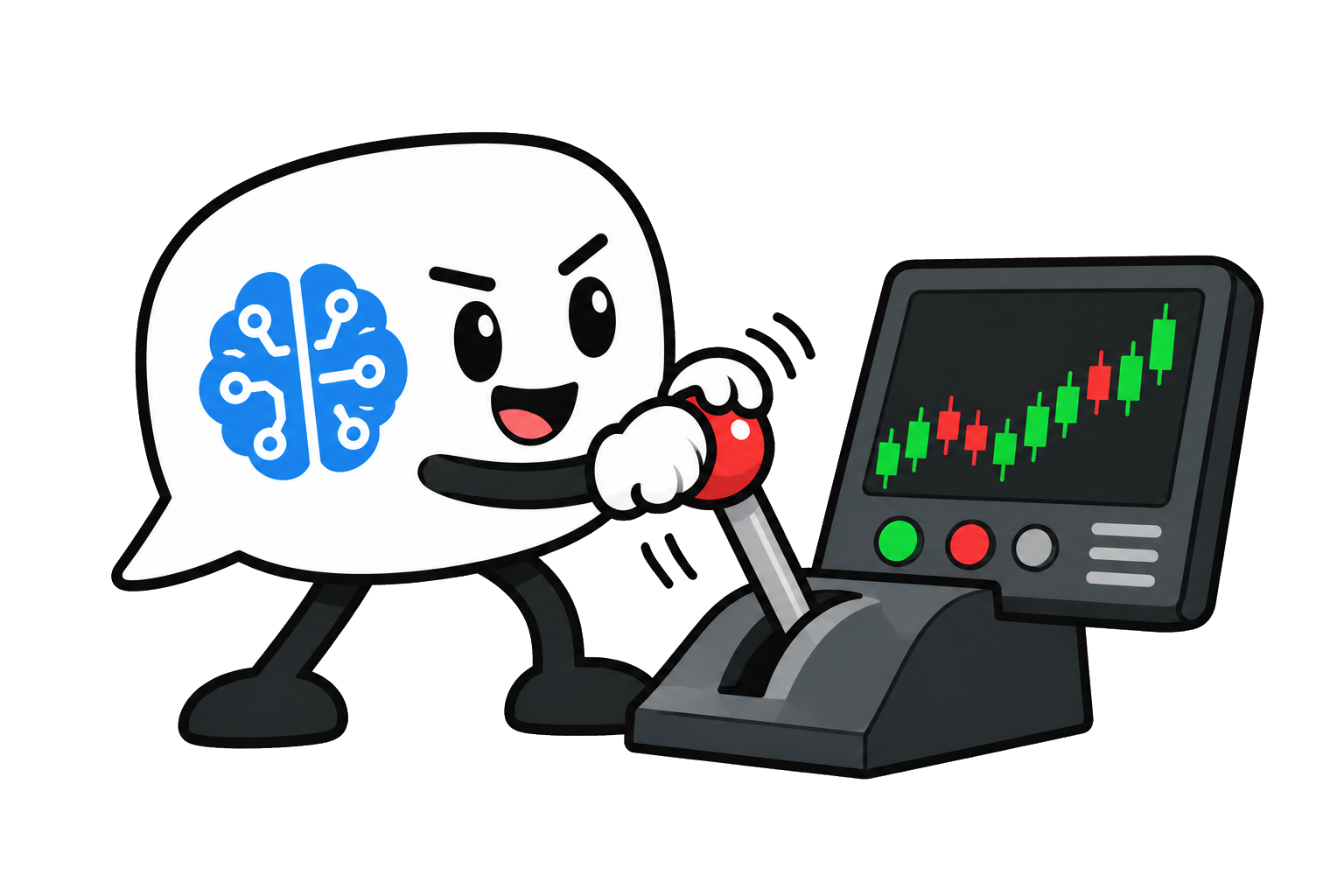
MetaTrader 5, cTrader, and TradingView have all introduced new ways for AI assistants to interact directly with platform data and tools. Depending on the platform and the permissions a user grants, an AI may be able to inspect charts, review account information, run screeners, create alerts, help test trading systems, and in some cases send trading instructions.
AI is becoming a new interface for trading software.
From chatbot to AI agent
A chatbot answers questions. Ask it how to create a price alert and it tells you the steps.
An AI agent with platform access can do it instead. You ask: “Create an alert if EUR/USD crosses this price.” The agent uses the connected tool and creates the alert itself.
Explaining an action and performing one are different products. This wave of trading AI is the second kind.
Why everyone suddenly keeps talking about MCP
Most of this runs on the Model Context Protocol, or MCP.
MCP is an open standard that lets an AI application connect with outside tools and data sources. Instead of sitting inside a chat window, the AI gets a structured channel to request information from another application, or tell it to perform an allowed task. The official documentation has the full technical picture.
Think of MCP as the connector between your AI assistant and your trading software.
MCP doesn’t hand an AI unlimited control. The software developer decides which tools to expose, and you may have additional permission settings on top of that.
What can an AI actually do inside a trading platform?
The tasks range from read-only research to actions that can affect a live trading account.
The major platforms document these capabilities:
- Pulling live or historical market data
- Reviewing watchlists
- Scanning symbols
- Creating and managing price alerts
- Reviewing open positions or trading history
- Adding indicators to charts
- Helping build or debug automated strategies
- Running or reviewing strategy tests
- Placing, modifying, or closing orders when trading access is enabled on supported platforms
Execution access is not trading judgment.
An AI that can place an order has no opinion on whether the order is right. Your microwave heats soup without weighing in on your diet. Same idea.
MetaTrader, cTrader, and TradingView are taking different paths
All three get labeled “AI trading.” What they offer differs.
MetaTrader 5 introduced native MCP and agentic AI support in Build 6060 in July 2026. MetaQuotes says AI agents can access market information, work with charts and the trading environment, and perform platform operations. The company also added configurable controls that can allow, prohibit, or require confirmation for AI-initiated trading operations. Later updates expanded AI access to indicators and the Strategy Tester. Read the MetaTrader 5 Build 6060 release notes and the Build 6180 update for the full detail.
cTrader went straight to natural-language control. Its MCP servers expose account data, market data, charts, indicators, alerts, and trading tools to compatible AI agents. When trading is enabled, cTrader says an AI agent can place, modify, and close real orders. Its local connection can also require confirmation for each operation. The official cTrader AI Agent Connect documentation lists the available tools.
The more useful beginner question
Hear the phrase “AI trading” and the obvious question is: “Can it trade for me?”
A more useful one: “What can this AI see, and what can it do?”
That question cuts past the marketing label.
- Can it only read market data?
- Can it see your account balance?
- Can it create an alert?
- Can it change an order?
- Does every important action require your approval?
Those details matter far more than whether a platform describes its feature as an “AI assistant,” “agent,” “copilot,” or whichever futuristic noun wins this month.
Where to point your research next
Start with the boring-looking pages before the exciting demos.
- Read the official tool list. Find out what the AI connection can access.
- Read the permission settings. Separate read-only access from actions that can change an account.
- Check demo-account support. A demo account shows you how an agent handles your instructions before real money is involved.
- Research the AI provider separately. The trading platform and the AI model may be two different products with different privacy rules, limits, and costs.
- Check your broker. Features can vary by broker, account type, region, and software version.
Bottom line
AI now connects directly to trading platforms. Until recently, it sat to the side and answered questions.
Research, monitoring, coding, and account review all get easier. But beware! Broad permissions also make a bad idea executable.
Start by understanding what sits between the AI and your account: the agent type, the MCP connection, and the permission layer.
Once you understand the plumbing, the demos are easy to judge.
COMING NEXTMetaTrader 5 vs. cTrader vs. TradingView: What Can Their AI Actually Do?